

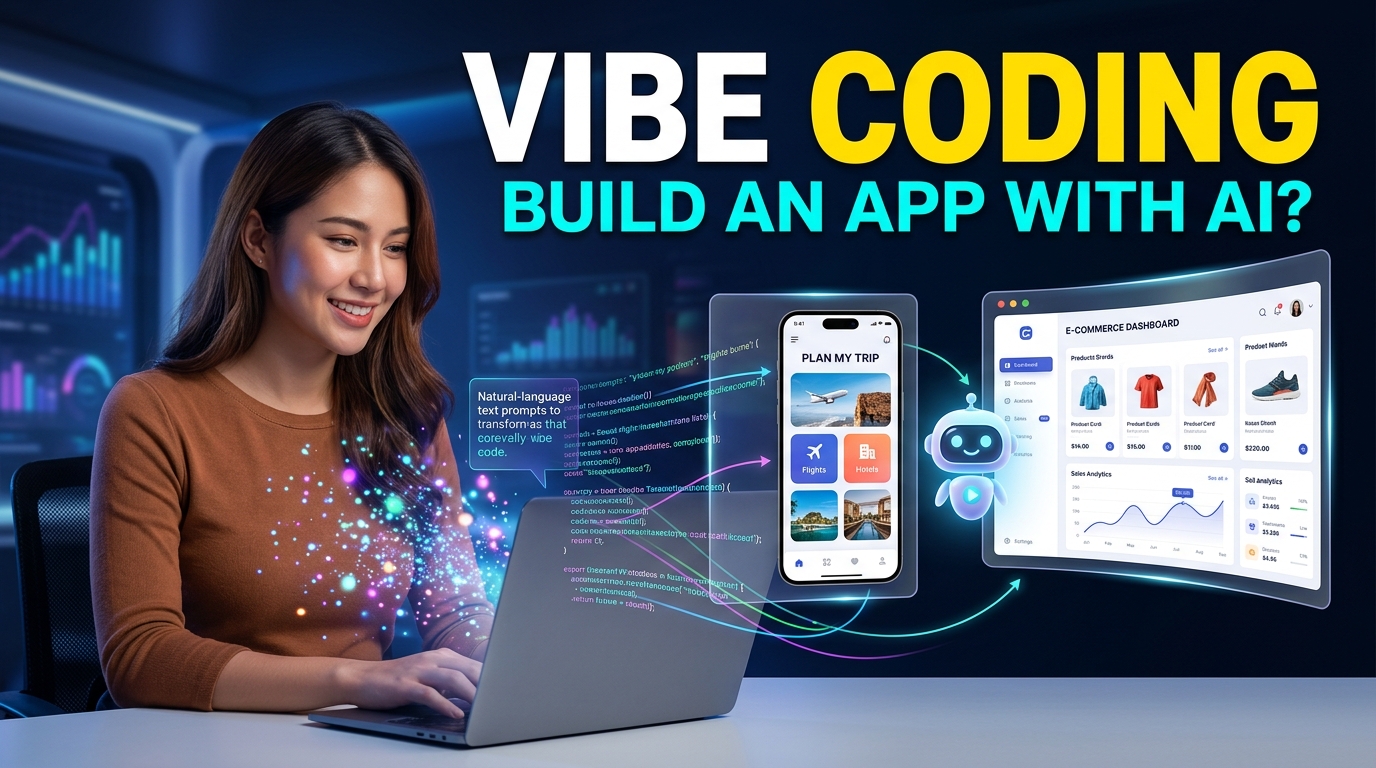
Building an app once required a deep understanding of programming languages, frameworks, databases, servers, and debugging. Today, AI is changing that process.
A new term called vibe coding has become popular among people who want to build websites, apps, and software without writing every line of code themselves.
Instead of manually programming everything, you describe what you want in simple language. An AI coding tool then generates much of the code, helps fix errors, and allows you to improve the project through conversation.
To better understand how code shapes the digital world, explore The Secret Code of 2026: Decoding the Mystery of Ins.
For example, you might type:
“Create a straightforward client portal that allows users to sign in, upload documents, monitor their project status, and communicate through messaging.”
The AI can generate a starting version of the application.
But does this mean anyone can now build a real app without programming experience?
The answer is yes, but with important limitations.
Vibe coding can help beginners turn ideas into working prototypes much faster. However, creating a reliable, secure, and scalable application still requires testing, judgment, and sometimes professional development skills.
Let’s explore what vibe coding really means and whether it can help complete beginners become app builders.
What Is Vibe Coding?
Vibe coding is an informal approach to software development where a person uses natural-language instructions to guide an AI coding assistant.
Instead of writing every function manually, the user describes the desired result.
The workflow often looks like this:
Idea -> Prompt -> AI Generates Code -> Test -> Give Feedback -> Improve
For example, you might tell an AI:
“Develop a dashboard tailored for a small business, featuring customer profiles, sales data, task management, and reminder alerts.”
The AI may generate the interface and underlying code needed to start building the project.
You can then continue with instructions such as:
- “Add a dark mode.”
- “Make the dashboard mobile-friendly.”
- “Add a customer search feature.”
- “Create a login page.”
- “Fix the error when saving data.”
- “Make the design look more professional.”
The process feels less like traditional programming and more like collaborating with an AI assistant.
That is why the term “vibe coding” has attracted attention.
Why Is Vibe Coding Becoming So Popular?
The biggest reason is accessibility.
Many people have great app ideas but never build them because learning software development can take months or years.
Traditional development often requires knowledge of:
- HTML
- CSS
- JavaScript
- Python or other programming languages
- Databases
- APIs
- Authentication
- Security
- Hosting
- Debugging
Vibe coding does not completely remove these concepts, but AI can handle some of the technical work.
This allows beginners to focus more on the question:
“What do I want to build?”
instead of immediately worrying about:
“How do I write the code for it?”
The internet continues to create unexpected trends and mysteries that quickly capture global attention.
How Does Vibe Coding Work?
Vibe coding usually involves an AI-powered coding environment or assistant.
You start with a clear description of your idea.
For example:
“Design a basic appointment scheduling application specifically for a freelance consultant to manage their bookings easily.”
The AI may create the basic structure.
You then test it and provide additional instructions.
For example:
“Add a calendar.”
Then:
“Allow customers to choose available time slots.”
Then:
“Send a confirmation email after a booking.”
Each prompt helps shape the application.
The process is iterative.
You are not simply giving one prompt and receiving a perfect finished product. Instead, you build the app through a series of conversations, tests, corrections, and improvements.
To explore AI-powered development tools and learn more about AI-assisted coding, you can visit GitHub’s official website.
Can Someone With No Coding Experience Build an App?

Yes, especially for simple projects.
A beginner may be able to build:
- Personal websites
- Landing pages
- Simple calculators
- To-do apps
- Basic dashboards
- Portfolio websites
- Internal business tools
- Simple CRM systems
- Client portals
- Basic productivity apps
- Data tracking tools
- Simple prototypes
The easier the project, the more realistic it is to build it with little or no programming knowledge.
However, complexity changes everything.
An app involving payments, sensitive customer data, financial information, medical records, or thousands of users requires much more careful development.
AI can generate code, but generated code is not automatically secure or reliable.
Vibe Coding Is Not the Same as “No-Code”
Vibe coding and no-code development are related but different.
No-code platforms provide visual tools.
You drag and drop elements to create an application.
Vibe coding uses AI to generate or modify actual code based on your instructions.
For example, with a no-code tool, you might manually connect:
Button -> Form -> Database -> Confirmation Page
With vibe coding, you might simply say:
“When the user clicks this button, save their information in the database and show a confirmation message.”
The AI then attempts to build that functionality.
This gives vibe coding more flexibility, but it can also create more technical problems.
The Biggest Advantage: Speed
One of the most exciting benefits of vibe coding is speed.
A project that previously required hours of setup may now have a working prototype much faster.
Imagine you have an idea for a tool.
Instead of spending weeks learning how to build the first version, you can create a prototype and test the idea quickly.
This is especially useful for:
- Entrepreneurs
- Solopreneurs
- Freelancers
- Designers
- Marketers
- Content creators
- Small businesses
- Students
The goal is not necessarily to replace professional developers.
Instead, vibe coding can reduce the distance between an idea and a working prototype.
Why Clear Prompts Matter
The quality of your instructions can significantly affect the result.
A vague prompt such as:
“Build me a business app.”
will probably produce something generic.
A better prompt would be:
“Develop an easy-to-use customer relationship management system tailored for a freelance graphic designer to organize clients and projects. Include a leads database, client profiles, project status, follow-up reminders, and a dashboard showing active projects.”
The second prompt gives the AI more context.
A useful vibe coding prompt should explain:
- What you want to build
- Who will use it
- The main features
- The expected user experience
- The information that needs to be stored
- Any design preferences
Think like a product manager.
You do not need to know exactly how to write the code, but you should know what the final product should do.
The Importance of Building One Feature at a Time

A common beginner mistake is trying to create an entire application with one massive prompt.
For example:
“Build me a complete social network with messaging, payments, video calls, AI recommendations, user profiles, and a mobile app.”
That creates too much complexity.
A better approach is to start with a minimum viable product.
For example:
Version 1
- User login
- User profile
- One main feature
Version 2
- Add search
- Add notifications
- Improve the design
Version 3
- Add automation
- Improve performance
- Add advanced features
Small steps make it easier to identify problems.
What Are the Risks of Vibe Coding?
Vibe coding can be powerful, but blindly trusting AI-generated code is risky.
Strong data protection practices are essential when an AI-built application stores customer files, passwords, or private information.
1. Security Problems
An application may appear to work perfectly while containing security weaknesses.
This becomes especially important when handling:
- Passwords
- Payment information
- Customer data
- Private files
- Personal information
You should never assume that AI-generated authentication or security code is automatically safe.
Understanding basic cybersecurity principles can help you avoid serious mistakes when launching an application that handles user data.
2. Hidden Errors
AI-generated code can contain mistakes.
Sometimes the application works during basic testing but fails under different conditions.
For example:
- A form may break with unusual input.
- Data may not save correctly.
- A feature may work on desktop but fail on mobile.
- Two features may conflict with each other.
Testing is essential.
3. Code You Do Not Understand
One of the biggest dangers is building something you cannot maintain.
If the AI creates 10,000 lines of code and something breaks, you may struggle to fix it.
This is why beginners should gradually learn basic technical concepts.
You do not need to become a senior developer overnight, but understanding your application’s structure is valuable.
4. AI Can Make Confident Mistakes
AI tools can suggest code that looks convincing but is incorrect.
Never assume that generated code is perfect simply because it compiles or appears to work.
Review important functions and test them carefully.
How to Start Vibe Coding as a Beginner
Here is a simple approach.
Step 1: Choose a Small Project
Do not begin with the next Facebook.
Start with something useful but simple.
Examples include:
- A personal expense tracker
- A client management dashboard
- A habit tracker
- A simple booking tool
- A content planner
- A small inventory tracker
Choose a problem you understand.
Step 2: Describe the App Clearly
Write down:
- Who is the user?
- What problem does the app solve?
- What is the most important feature?
- What information does it need?
- What should happen when the user clicks each button?
This becomes your project blueprint.
Step 3: Ask AI to Build the Basic Version
Start with the smallest possible version.
Do not add every feature immediately.
Get the basic workflow working first.
For example:
“Create a simple expense tracker where users can add an expense, select a category, enter the amount, and see the total monthly spending.”
Once that works, add more features.
Step 4: Test Everything
Click every button.
Try incorrect inputs.
Test the app on different screen sizes.
Ask:
- What happens if a user enters nothing?
- What happens if the internet connection fails?
- What happens if two users use the app?
- Does sensitive information remain protected?
Good testing separates a quick experiment from a useful application.
Step 5: Ask AI to Explain the Code
This is one of the best ways for beginners to learn.
Ask questions such as:
- “Explain how this feature works.”
- “Which file controls the login system?”
- “Why is this database needed?”
- “What happens when this function runs?”
- “Is there a security risk here?”
Over time, you can develop a better understanding of software development.
Can Vibe Coding Replace Developers?
Not completely.
Professional developers do much more than write code.
They also:
- Design system architecture
- Review security
- Optimize performance
- Debug complex problems
- Manage databases
- Plan scalability
- Maintain software
- Review code quality
- Integrate complex systems
AI can assist with many of these tasks, but complex software still benefits from experienced developers.
Vibe coding may reduce the amount of manual coding required, but it does not eliminate the need for technical expertise.
Instead, the role of the developer may continue shifting toward reviewing, designing, testing, and directing AI-generated systems.
The future of software development is changing rapidly as AI helps people build, test, and improve digital products in new ways.
When Is Vibe Coding a Good Idea?
Vibe coding is particularly useful when you want to:
- Test an app idea
- Build an MVP
- Create an internal tool
- Automate a repetitive task
- Build a personal project
- Learn programming concepts
- Create a simple website
- Prototype a new feature
It can help you move from an idea to something tangible quickly.
When Should You Be Careful?
You should use additional testing and professional review when building applications involving:
- Financial transactions
- Healthcare information
- Sensitive personal data
- Large user databases
- Complex security requirements
- Legal or compliance requirements
- Mission-critical business systems
In these situations, generating the code is only one part of building a safe application.
How to Become Better at Vibe Coding
The best vibe coders are not necessarily the people who write the longest prompts.
They are people who understand the problem clearly.
Improve by learning:
Basic Programming Concepts
Understand terms such as:
- Variables
- Functions
- APIs
- Databases
- Frontend
- Backend
- Authentication
You do not need to master everything immediately.
Basic knowledge can make it much easier to communicate with AI.
Product Thinking
Learn how users interact with software.
Ask:
- Is this feature actually necessary?
- Is the workflow easy?
- What problem does this solve?
- Can the user understand the interface?
Debugging
When something breaks, avoid repeatedly typing:
“Fix it.”
Instead, provide useful information.
For example:
“When I click Save, the form clears, but no information appears in the database. Here is the error message.”
Specific feedback helps AI identify the problem.
The Future of Vibe Coding
Vibe coding represents a broader change in how people interact with technology.
In the past, creating software required translating your idea into a programming language.
Now, AI increasingly helps translate human language into code.
This could allow more entrepreneurs, creators, and small businesses to experiment with software ideas.
The barrier to creating a prototype is becoming lower.
However, building a successful app is still about more than generating code.
You still need:
- A useful idea
- A clear understanding of users
- Good design
- Testing
- Security
- Reliable infrastructure
- Ongoing maintenance
AI can accelerate development, but it cannot automatically guarantee that people want what you build.
Understanding how software powers the devices and applications we use every day can provide useful context for the future of AI-assisted development.
Final Thoughts
Vibe coding makes app development more accessible than ever.
A person with little or no programming experience can now use AI to create websites, tools, prototypes, and simple applications by describing what they want in natural language.
For additional resources on programming concepts and software development, visit MDN Web Docs
However, the statement “anyone can develop an app” requires some explanation and background.
Anyone can potentially build a basic version of an app.
Building a secure, scalable, reliable product is more difficult.
The smartest approach is to start small.
Choose one problem, build the simplest possible solution, test it, improve it, and learn as you go.
You do not need to become an expert programmer before experimenting with your ideas. But understanding the basics of software, security, and testing will make you a much better vibe coder.
In 2026, the ability to build software may no longer depend entirely on how quickly you can write code.
It may increasingly depend on how clearly you can think, describe problems, test results, and guide AI toward the solution you actually want.