

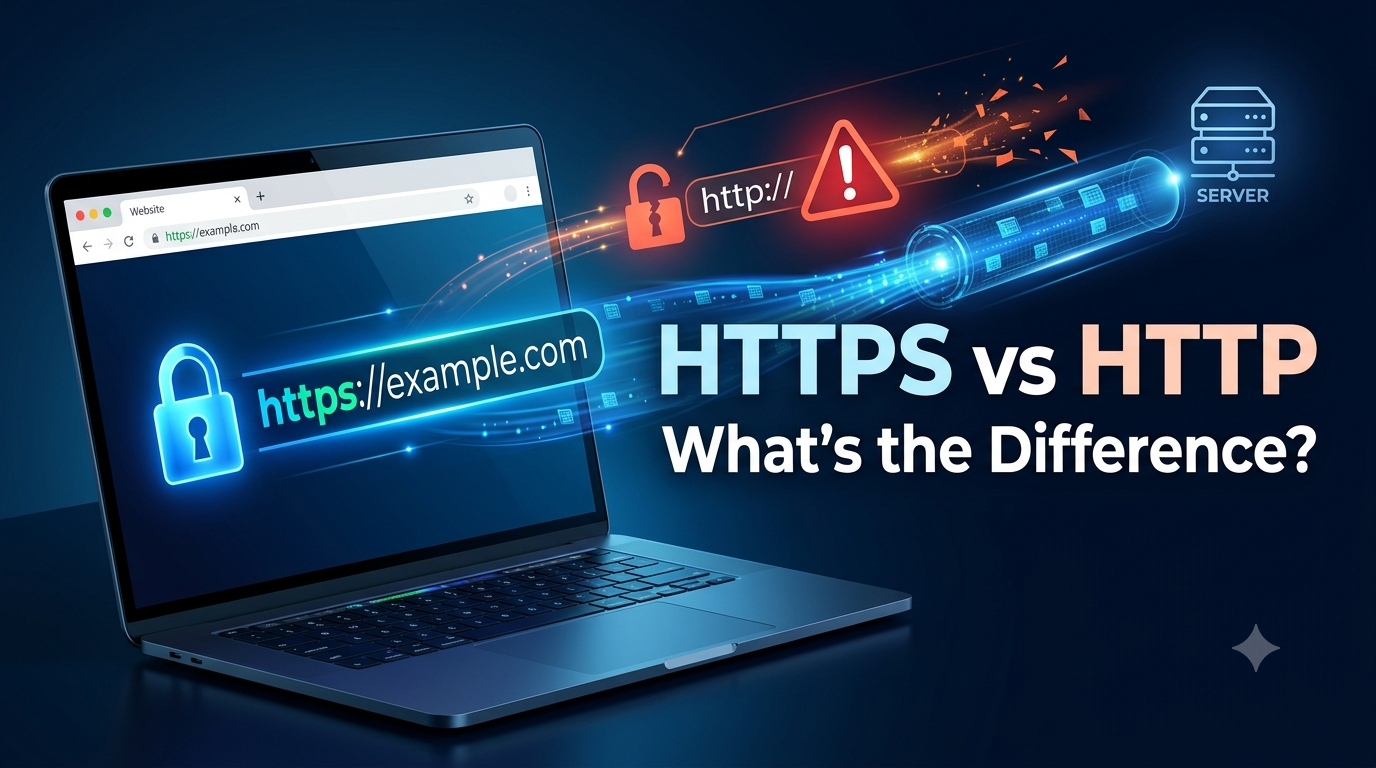
Whenever you visit a website, you may notice that its address starts with either HTTP or HTTPS. The difference is only one letter, but that letter represents an important layer of online security.
HTTPS helps protect information exchanged between your browser and a website. It is especially important when you enter passwords, payment details, personal information, or other sensitive data.
But what exactly is HTTPS? How is it different from HTTP? And how can you tell whether a website is using a secure connection?
This guide explains everything in simple language.
What Is HTTP?
HTTP stands for Hypertext Transfer Protocol. It is a communication protocol that allows web browsers and web servers to exchange information.
When you type a website address into your browser, HTTP provides rules for how your browser requests information and how the website’s server responds.
For example, when you visit a page, your browser may request:
- Text
- Images
- Videos
- Website files
- Other resources
The server then sends those resources back to your browser.
The major problem with traditional HTTP is that the information exchanged is not encrypted.
What Is HTTPS?
HTTPS stands for Hypertext Transfer Protocol Secure.
It uses HTTP together with encryption provided by TLS (Transport Layer Security). This helps protect communication between your browser and the website.
When a website uses HTTPS, information sent between your device and the server is encrypted during transmission.
This makes it much harder for someone monitoring the connection to understand the information being exchanged.
HTTP vs. HTTPS: What Is the Difference?
The simplest difference is security.
| Feature | HTTP | HTTPS |
| Encryption | No | Yes |
| Security | Lower | Higher |
| Data protection | Limited | Stronger |
| Certificate | Not required | Required |
| Best for sensitive information | No | Yes |
| Browser security indicators | May show warnings | Usually shows a secure connection |
HTTPS is now the standard for most modern websites.
How Does HTTPS Work?
HTTPS may sound complicated, but the basic idea is simple.
When you connect to an HTTPS website, your browser and the server establish a secure connection using TLS.
The process generally involves:
1. Connecting to the Website
You enter a website address beginning with HTTPS.
2. The Server Provides a Certificate
The website presents a digital certificate that helps prove its identity.
3. Your Browser Checks the Certificate
The browser checks whether the certificate is valid and trusted.
4. Encryption Is Established
The browser and server establish cryptographic keys for the connection.
5. Data Is Exchanged Securely
Information can then travel between the browser and server through an encrypted connection.
You do not normally have to perform these steps manually. Your browser handles them automatically.
What Is an SSL/TLS Certificate?
You may have heard people talk about an SSL certificate when discussing HTTPS.
SSL stands for Secure Sockets Layer. It was the earlier technology used to secure web communications. Modern HTTPS connections primarily use TLS, which replaced SSL.
People still commonly use the term “SSL certificate,” even when referring to modern TLS certificates.
The certificate helps authenticate the website and supports the secure connection.
Why Is HTTPS Important?
HTTPS is important because information can travel across many networks before reaching its destination.
Without encryption, sensitive information could be more exposed during transmission.
HTTPS helps protect:
- Passwords
- Login information
- Payment details
- Personal information
- Forms
- Private communications
It is particularly important when using websites that handle sensitive information.
Does HTTPS Prevent Hacking?
No. This is an important distinction.
HTTPS protects the connection between your browser and the website, but it does not make the entire website automatically safe.
A website using HTTPS can still contain:
- Malware
- Phishing content
- Fake offers
- Malicious downloads
- Vulnerable software
HTTPS means the connection is encrypted. It does not guarantee that the website itself is trustworthy.
Always consider the website’s domain name and reputation before entering sensitive information.
How to Check If a Website Uses HTTPS
Checking HTTPS is easy.
Look at the address bar in your browser.
A secure website will normally begin with:
https://
Modern browsers may also display a security icon near the website address.
Clicking the security information can provide additional details about the site’s connection and certificate.
However, remember that HTTPS alone does not prove that a website is legitimate.
Why HTTP Websites Can Be Risky
HTTP does not provide the same encryption protection as HTTPS.
If sensitive information is sent over an unencrypted HTTP connection, someone with the ability to monitor the connection may have a greater opportunity to observe or manipulate that traffic.
This is one reason modern websites have largely moved away from traditional HTTP.
HTTPS and Public Wi-Fi
Public Wi-Fi networks can create additional security concerns.
For example, you might connect to Wi-Fi at:
- A coffee shop
- An airport
- A hotel
- A shopping center
HTTPS helps protect your web traffic when visiting HTTPS websites, even when you’re using an untrusted network.
However, you should still avoid suspicious websites and use other security practices when connecting to public networks.
Does HTTPS Make Websites Slower?
In the past, encryption could create noticeable performance overhead.
Modern web technology has largely reduced this concern. HTTPS is now fast enough for everyday websites, and improvements in TLS, browsers, servers, and networking have made secure connections highly efficient.
For most users, the security benefits of HTTPS far outweigh any small performance considerations.
HTTPS and SEO
HTTPS is also relevant to website owners.
Search engines have encouraged websites to use secure connections, and HTTPS can be an important part of a site’s overall technical quality and user experience.
More importantly, visitors are more likely to trust a website when their browser shows that the connection is secure.
For businesses, HTTPS should be considered a basic part of website security rather than an optional feature.
Why Every Business Website Should Use HTTPS
Businesses often collect sensitive information through:
- Contact forms
- Login pages
- Customer accounts
- Payment systems
- Online applications
Using HTTPS helps protect data transmitted between customers and the website.
It can also improve user confidence.
A visitor who sees a browser security warning may immediately leave the website, even if the business itself is legitimate.
What Happens If an HTTPS Certificate Expires?
HTTPS certificates have expiration dates.
If a website’s certificate expires and is not renewed, browsers may display a security warning.
Visitors could see messages indicating that the connection is not secure.
Website owners should therefore monitor certificate expiration and renew certificates before they expire.
Can HTTPS Be Used on Mobile Devices?
Yes.
HTTPS works on:
- Smartphones
- Tablets
- Laptops
- Desktop computers
- Other modern internet-connected devices
The browser manages the secure connection automatically.
Whether you’re browsing on an iPhone, Android phone, Windows computer, or Mac, HTTPS works in essentially the same way.
HTTP vs. HTTPS in Simple Terms
Think of HTTP like sending a postcard through the mail. The message travels without the protection of an encrypted envelope.
HTTPS is more like putting that communication inside a locked envelope.
The recipient still gets the message, but the information is protected while traveling between the two sides.
This is not a perfect analogy for how encryption technically works, but it makes the basic difference easy to understand.
How to Stay Safe When Browsing
Using HTTPS is helpful, but good online security requires more than checking the address bar.
Follow these simple practices:
Check the Website Address
Look carefully for misspelled or suspicious domains.
Avoid Suspicious Links
Do not click unexpected links from unknown emails or messages.
Use Strong Passwords
Create unique passwords for important accounts.
Enable Two-Factor Authentication
2FA provides another layer of protection.
Keep Your Browser Updated
Updates often include important security fixes.
Be Careful With Downloads
Only download files from trusted sources.
The Future of HTTPS
HTTPS has become a fundamental part of the modern web.
As online services continue to handle more personal and financial information, encrypted communication will remain essential.
Browsers, hosting companies, developers, and search engines have all contributed to the transition toward a more secure web.
For most website owners today, the question is no longer whether HTTPS is useful. It is whether their website has been properly configured to use it.
Conclusion
HTTPS is the secure version of HTTP. It uses modern encryption technology to protect communication between your browser and a website.
The key difference is simple: HTTP does not provide encrypted web communication in the same way HTTPS does, while HTTPS uses TLS to protect data in transit.
If you’re browsing the web, look for HTTPS before entering sensitive information. If you own a website, using HTTPS should be one of your basic security priorities.
Just remember that HTTPS protects the connection, it does not automatically make every website trustworthy.
FAQ’s
1. What does HTTPS stand for?
HTTPS stands for Hypertext Transfer Protocol Secure. It uses HTTP with TLS encryption to help protect data transmitted between a browser and website.
2. What is the main difference between HTTP and HTTPS?
The main difference is that HTTPS uses encryption to protect web communication, while traditional HTTP does not provide that same encrypted connection.
3. Is HTTPS completely safe?
HTTPS makes communication more secure, but it does not guarantee that a website is legitimate or free from malware, scams, or other threats.
4. Should every website use HTTPS?
Yes. HTTPS is recommended for modern websites, especially those that handle passwords, payments, personal information, or customer accounts.