

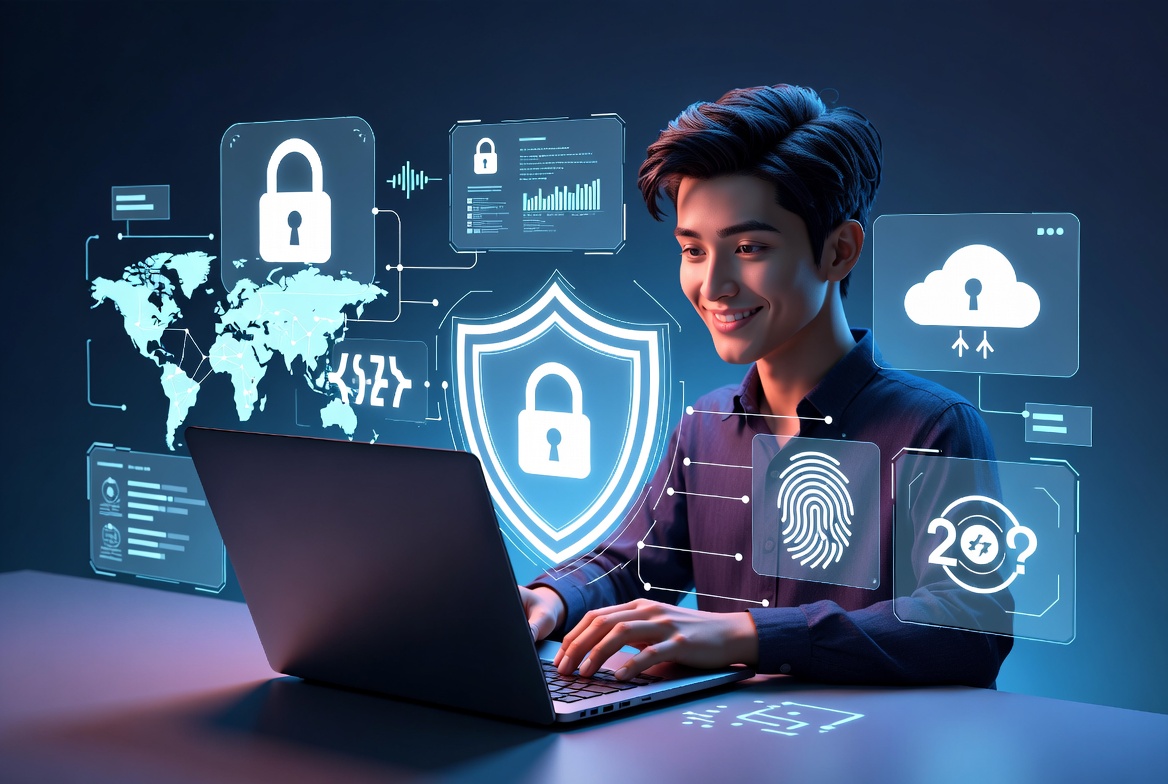
Today, the internet is a vital part of our daily routines and activities. From online shopping and banking to social media and remote work, we rely on digital services for almost everything. However, this convenience also comes with risks. Cybercriminals constantly look for opportunities to steal personal information, hack accounts, and commit identity fraud.
Understanding how to protect your personal data online is one of the best ways to stay safe in today’s digital world. Fortunately, you don’t need to be a cybersecurity expert to improve your online security. By following a few simple yet effective practices, you can significantly reduce the chances of becoming a victim of cybercrime.
Why Online Data Protection Is Important
Your personal data is valuable. Information such as your name, email address, passwords, banking details, phone number, and even your browsing habits can be used by criminals for fraudulent purposes. If your information falls into the wrong hands, it could lead to financial loss, identity theft, or unauthorized access to your online accounts.
Protecting your data also helps maintain your privacy. Companies, advertisers, and malicious actors often collect personal information to track your online behavior. Taking proactive steps to secure your data gives you greater control over your digital life.
8 Proven Tips to Protect Your Personal Data Online
1. Use Strong and Unique Passwords
Protecting your accounts starts with a robust password. Steer clear of easy-to-guess combinations like “password” or your birthdate to stay safe from cybercriminals. Instead, create passwords that include uppercase and lowercase letters, numbers, and special characters.
Each online account should have a unique password. Reusing passwords across multiple websites increases the risk of multiple accounts being compromised if one password is leaked. A trusted password manager can help you generate and securely store complex passwords.
2. Enable Two-Factor Authentication (2FA)
Two-factor authentication adds an extra layer of security to your accounts. Even if someone discovers your password, they still need a second verification method, such as a code sent to your smartphone or generated by an authentication app.
Most major email providers, banking apps, and social media platforms now support 2FA. Enabling this feature takes only a few minutes but greatly improves your account security.
3. Keep Your Software Updated
Software updates are more than just new features. They often include important security patches that fix vulnerabilities hackers can exploit.
Regularly update your:
- Operating system
- Web browser
- Mobile apps
- Antivirus software
- Smart devices
Turning on automatic updates ensures your devices always have the latest security protections.
4. Avoid Unsafe Public Wi-Fi
Public Wi-Fi networks found in airports, hotels, cafés, and shopping malls are convenient but may not always be secure. Hackers can intercept data transmitted over unsecured networks.
When using public Wi-Fi:
- Avoid online banking and financial transactions.
- Use a reliable VPN (Virtual Private Network).
- Visit websites that use HTTPS encryption.
- Turn off automatic file sharing.
If possible, use your mobile data connection for sensitive activities instead of public Wi-Fi.
5. Beware of Phishing Scams
One of the biggest dangers online is phishing, fraudulent messages designed to steal your personal information. Cybercriminals send fake emails or messages pretending to be trusted organizations to trick users into revealing passwords or financial information.
Be cautious if you receive messages that:
- Ask for urgent action.
- Request personal information.
- Include suspicious links or attachments.
- Promise unrealistic rewards.
Always verify the sender and visit official websites directly instead of clicking unknown links.
6. Review Your Privacy Settings
Many apps and websites collect more personal information than necessary. Take time to review your privacy settings on social media platforms, browsers, and mobile apps.
Consider limiting:
- Profile visibility
- Location sharing
- Contact information
- App permissions
- Personalized advertising
Reducing the amount of information you share publicly lowers your exposure to online threats.
7. Back Up Your Important Data
Backing up your files protects you against ransomware attacks, hardware failures, and accidental deletion.
Use a combination of:
- External hard drives
- Cloud storage services
- Automatic backup schedules
Store copies of important documents, photos, financial records, and work files. Having a recent backup allows you to recover your data quickly if something goes wrong.
8. Monitor Your Online Accounts Regularly
Regularly reviewing your online accounts helps you detect suspicious activity before it becomes a serious problem.
Check:
- Bank statements
- Credit card transactions
- Email login history
- Shopping accounts
- Social media activity
Enable security alerts whenever possible. If you notice unauthorized activity, change your password immediately and contact the service provider.
Conclusion
Learning how to protect your personal data online is one of the smartest investments you can make in your digital safety. While cyber threats continue to evolve, following proven security practices can significantly reduce your risk. Strong passwords, two-factor authentication, software updates, cautious browsing, privacy controls, regular backups, and account monitoring all work together to keep your information secure.
Staying safe online isn’t a one-and-done effort; it’s a continuous practice that requires regular attention and care. By staying alert and adopting these eight proven tips, you can browse, shop, communicate, and work online with greater confidence and peace of mind.
Frequently Asked Questions
1. What is personal data?
Personal data includes any information that identifies you, such as your name, email address, phone number, passwords, financial information, and identification documents.
2. Why should I protect my personal information online?
Protecting your information helps prevent identity theft, financial fraud, unauthorized account access, and privacy violations.
3. Is two-factor authentication worth using?
Yes. Two-factor authentication provides an additional layer of protection, making it much harder for hackers to access your accounts.
4. How often should I update my passwords?
Change your passwords immediately if you suspect a security breach or if one of the websites you use has experienced a data leak. Otherwise, ensure every account has a strong, unique password.
5. Can antivirus software completely protect me?
No. Antivirus software is an important security tool, but safe browsing habits, strong passwords, and regular updates are equally important for complete protection.
6. What should I do if I think my data has been stolen?
Immediately change your passwords, enable two-factor authentication, notify your bank if financial information is involved, monitor your accounts, and report the incident to the appropriate authorities.