

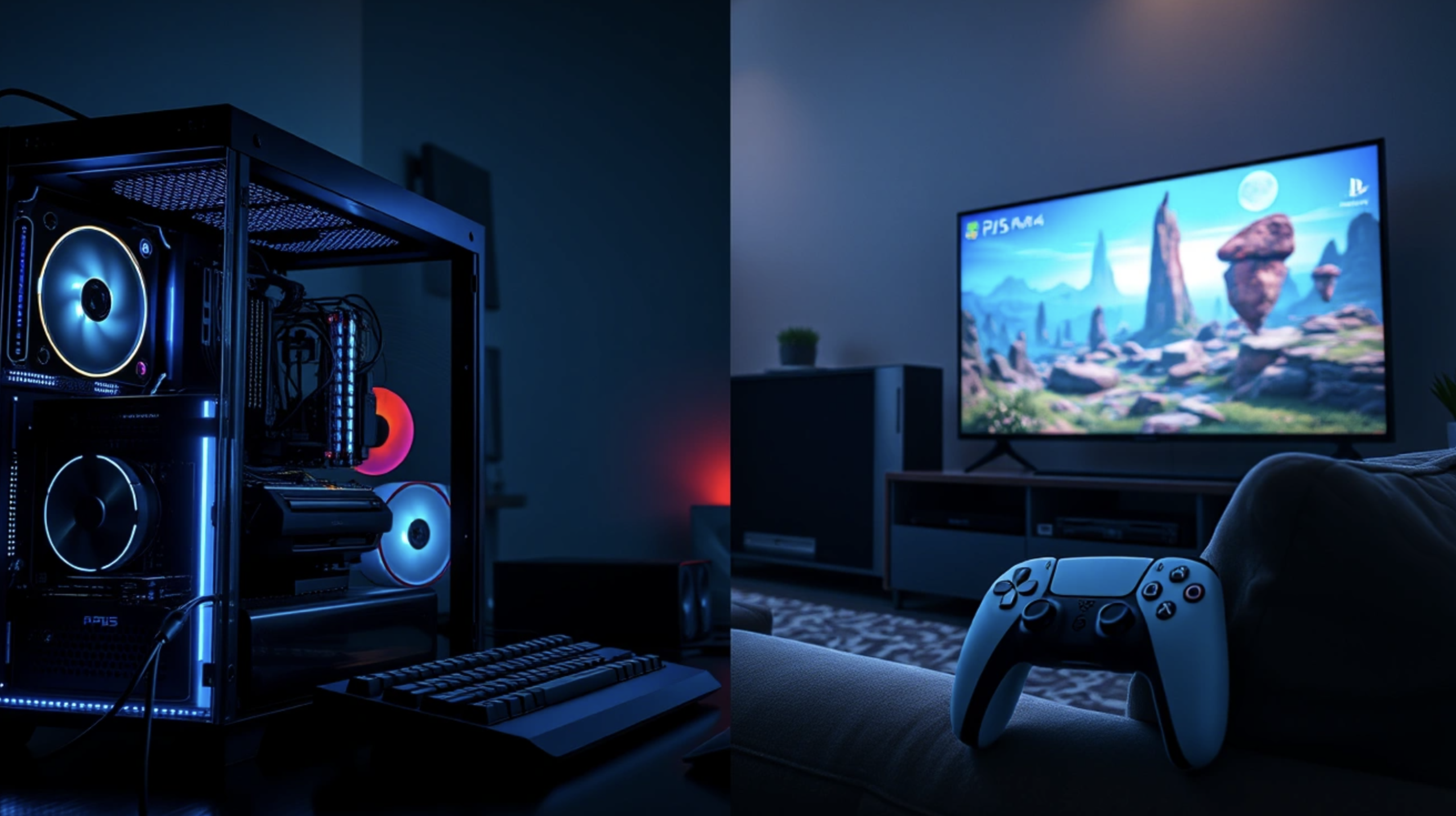
Few purchases in digital life spark as much debate as the choice between a gaming PC and a console. Both can deliver years of entertainment, but they spend your money in very different ways, and the cheaper box on the shelf is not always the cheaper choice over time.
In this article we will explore upfront costs, game libraries, performance, upgrades, subscriptions, comfort and extra uses, so you can match the platform to your budget and your habits.
The upfront cost is only part of the picture
A console is sold as a complete package. In the box you usually get the machine, a controller, a power cable and a video cable, and you plug it into a television you probably already own. A PC is different, because even a well-built tower needs a monitor, a keyboard, a mouse and often speakers or a headset. If you already have those items, the gap shrinks, but many buyers forget to count them until the shopping basket is open.
The honest comparison is therefore the full cost of sitting down and playing comfortably on day one. For a console, that figure is the price of the device, a second controller if you play with friends, and possibly extra storage. For a PC, it is the computer plus the peripherals you do not yet own, plus the operating system if it is not included. Write both totals on a sheet of paper before you look at any deals.
Pricing also behaves differently across the two worlds. Console makers tend to keep a price steady for long stretches, and the price of a given generation often drifts only slowly during its life. PC parts move around much more, with sales, new releases and shortages all pulling on the cost of graphics cards and memory. That makes timing matter more for a PC buyer than for a console buyer, and it is one reason to avoid rushing a purchase.
Prices also vary by country because of taxes, import costs and retailer habits. A console that looks like a bargain in one market can cost much more in another, and the same applies to PC parts. Check local retailers rather than relying on a figure you saw online from a different region. When two options land within a small margin of each other, the better choice is usually the one that fits your games, not the one with the slightly lower tag.
Set aside a small buffer in your budget as well. Extra controllers, a spare charging cable, a better headset or a larger storage drive tend to appear on the shopping list after the main purchase. A buffer of roughly ten to fifteen percent of the main price is a common rule of thumb among budgeters, though the right amount depends on what you already own. Planning for these extras keeps a good deal from turning into a stretched month.
Game libraries and exclusives shape the decision
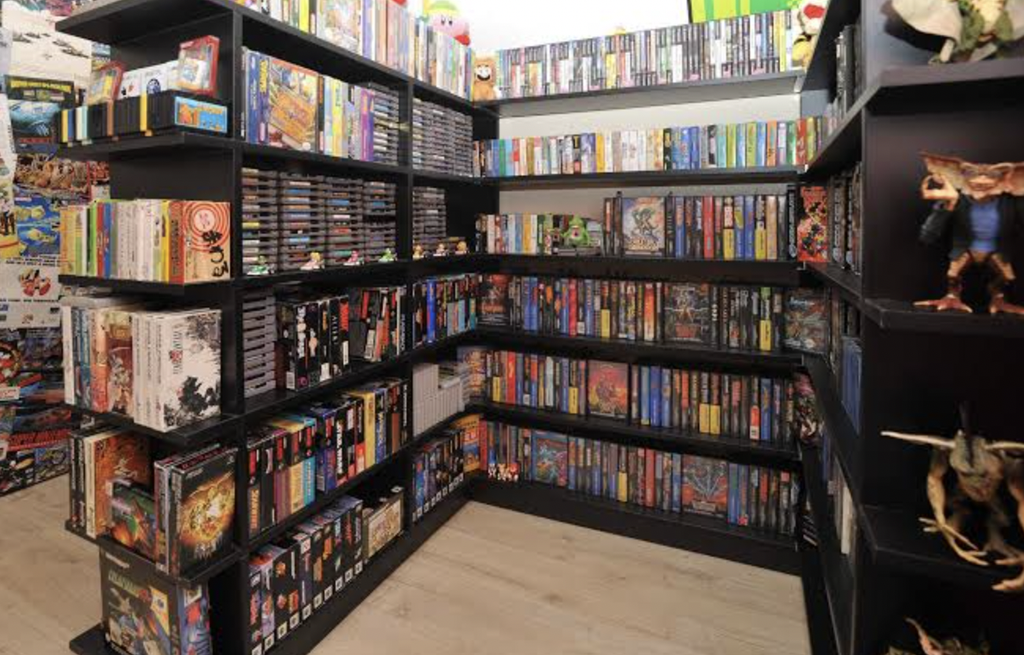
Before you compare any hardware, list the ten games you most want to play over the next year. This simple exercise settles more arguments than any specification sheet. Some well-known series are tied to a single console family, and no amount of PC power will let you play them natively. Other games, especially many strategy titles, simulation games and modded experiences, live mainly or entirely on PC.
Many big releases now appear on both sides, though not always on the same day and not always in the same state. A title may launch on console first, or arrive on PC later with extra options. Check where each game on your list is available today and where its publisher has said it is heading, and treat vague promises with caution. Release plans change, and a game that is rumored for your platform is not a game you can play.
Genre matters as well. First-person shooters, real-time strategy, city builders and many online competitive games are often more comfortable with a mouse and keyboard. Racing games, sports titles, fighting games and platformers usually feel natural on a controller, and a controller works on a PC too. The result is that a PC can imitate a console’s input style more easily than a console can imitate a mouse, though some consoles do support a keyboard and mouse in selected games.
Do not forget older games. Consoles vary in how much of their earlier catalog they can run, and the rules differ from one manufacturer to the next. PCs are generally good at running older software, although very old titles sometimes need community patches or compatibility tweaks. If you own a shelf of past games, check carefully whether they will work on the new device before assuming they will.
Friends matter too. If you mainly play online with a group, the best platform is the one your friends already use, because a game is only as good as the people in the lobby. Some titles allow players on different platforms to join the same match, but support varies by game and may have limits on voice chat or friend lists. Ask your group what they play before you spend anything, since a quick message can save a costly mistake.
Performance and visual quality scale in different ways
A console is built to a single specification, and developers tune each game to that exact hardware. That is why a console game often runs smoothly even though the machine looks modest on paper. You get a known level of performance, usually with a choice between a mode that favors sharper visuals and a mode that favors a higher frame rate. For many people, that predictability is worth more than raw power.
A PC has no ceiling in the same sense, because performance depends entirely on the parts you buy. A budget PC can match or fall short of a console, while an expensive one can run at higher resolutions and frame rates and with more detailed settings. The key phrase is “depends on the parts”: the cost of beating a console grows quickly, and the last bit of extra quality often costs the most. For a fixed budget, a console frequently gives a stronger result per currency unit at the entry level.
Frame rate and resolution are the two numbers most people talk about, and it helps to know what they do. Resolution describes how many pixels fill the screen, while frame rate describes how many images appear each second. Higher frame rates make motion feel smoother and can make fast games easier to control, but they also need a display that can show them. A monitor or television that cannot handle high refresh rates will waste part of what a strong PC offers.
Your screen therefore belongs in the performance conversation. A modest television limits a console in the same way a basic monitor limits a PC. Before paying for more power, find out what your display can show, and check whether it supports features such as variable refresh rate. Spending on a better screen can improve the experience more than spending the same amount on a faster processor.
Reading reviews and benchmarks can help, but do so with care. Results depend on the exact settings, the test scenes and the other parts in the system, so two reviewers can report different numbers for the same hardware. Look for several sources that explain how they tested, and favor tests of games you plan to play. A single impressive chart is not a promise that your own setup will behave the same way.
Loading times, storage space and noise also differ. Both platforms now rely heavily on fast solid-state storage, but console storage is often limited and can be expensive to expand through approved add-ons. A PC can take larger or additional drives in most cases. Fans on a powerful PC can be louder under load, while consoles are tuned to a fixed noise target, so listen to demonstrations or read reviews if quiet matters to you.
Upgrading, repairing and the long life of the hardware
The biggest structural difference is what happens when the device starts to feel old. A console cannot be upgraded in the normal sense. It stays the same until the manufacturer releases a new generation, and then you decide whether to buy again. Many people view this as a feature, since it removes decisions and keeps the cost predictable for several years.
A PC can be improved one piece at a time. If the graphics card is the weak link, you replace it and keep the rest. If you want more memory or storage, you add it. This approach can stretch the life of a machine well beyond what a first glance suggests, although it works best when the original build left room for growth, such as a power supply with spare capacity and a motherboard with free slots.
Upgrading has limits, however. Processor sockets and memory types change over time, so an older platform may not accept new parts, and at some point you replace the core of the system. Do not assume that every part will stay compatible forever. When you buy a PC, ask yourself which components you expect to replace first and whether the case, motherboard and power supply will support that plan.
Repair and support are also worth a thought. A console comes with a manufacturer warranty and a single company to contact when something breaks, which keeps the process simple. A PC built from separate parts has separate warranties, and diagnosing a fault can take patience, especially for beginners. A prebuilt PC from a reputable seller gives you one contact point, but you should read the warranty terms, which differ by country and retailer.
Think about resale value too. Consoles and popular PC parts often keep some resale value, which can soften the cost of moving to a new device. Condition, age and demand all play a role, and the value can drop sharply when a new generation appears. Selling a used device is a reasonable way to fund the next one, so keep boxes and accessories if you can.
Power use and heat are quieter costs of ownership. A powerful PC can draw much more electricity under load than a console, which shows up on a bill if you play for many hours a week, and it also warms the room. Consoles are built to a power and heat target, so their running cost is easier to predict. The difference is rarely decisive, but it is worth a thought if you play daily or live where electricity is expensive.
Subscriptions, online fees and game pricing add up over years
Hardware is only the first bill. Most major consoles ask for a paid membership to play online with other people, while free-to-play games are often exempt from that rule on some systems. On PC, playing online is generally free, although many people still pay for optional services, such as game subscription catalogs or cloud storage. Check the current rules for each platform before you buy, because membership terms change and differ by country.
Game pricing is another long-term factor. PC stores tend to have frequent sales and a wide range of discounts, and older titles can be very cheap. Console storefronts also run sales, and physical discs can be bought used, lent to friends or resold, which is a real saving for people who finish a game and move on. Digital-only purchases on either side are tied to your account and generally cannot be resold.
Free-to-play games deserve a separate note. Many popular titles cost nothing to download, then earn money through cosmetic items, passes and other in-game purchases. These small payments can pile up without feeling like a big purchase, especially for younger players. Whatever platform you pick, set a monthly spending limit, turn on purchase confirmation and talk with family members about what is acceptable. Those habits protect your budget far more than any hardware discount.
Subscription catalogs add another layer. Some services give you access to a rotating library for a monthly fee, which can be good value if you enjoy trying many games, and poor value if you play one title for a year. The catalog is a rental, so the games can leave the service. Before subscribing, count how many titles on the list you would play, and compare that to the price of simply buying one or two of them.
The following table gathers the main cost areas so you can compare them side by side. Treat it as a checklist for your own budget rather than as a set of fixed numbers, since every figure depends on your market, your existing equipment and your play style. Fill in your own estimates for each row before you read on.
| Cost area | Gaming PC | Console |
| Main device | Higher at the start, varies with parts | Fixed price, often lower |
| Screen and controls | Monitor, keyboard and mouse often needed | Usually a television and the included controller |
| Online play | Generally free to play online | Often needs a paid membership |
| Game prices | Frequent sales, many older games cheap | Sales and used discs help, digital is fixed to your account |
| Upgrades | Replace parts as needed | None until the next generation |
| Resale | Parts and whole systems can be sold | Console and discs can be sold |
| Extra uses | Work, study, creative software | Mostly gaming and media |
Once you fill in your own numbers, extend the sum over three to five years. Include a replacement controller or two, an optional subscription, a realistic number of game purchases and, for a PC, one mid-life upgrade. Seen this way, a pricier PC can end up close to a console, or a cheaper console can end up costing more than expected because of fees and game prices. The result will be personal, and that is the point of doing the exercise.
Living-room comfort against desk-based flexibility
Where you play shapes how happy you will be with the choice. A console is designed for a couch and a big screen, with a simple interface you can handle with a controller. Starting a game takes a few moments, and sharing the screen with family or friends is easy. For local multiplayer games, party games and casual evenings, this setup is hard to beat.
A PC is designed for a desk, but it is not limited to one. You can connect it to a television with the right cable, use a controller, and play from the couch, although the setup takes more effort. Some people run into small annoyances, such as game launchers that expect a mouse, or updates that appear at inconvenient times. Others enjoy tuning every detail and see the extra work as part of the hobby.
Portable play is a growing part of this decision. Handheld consoles and small portable PCs are categories of their own, and they suit people who commute, travel or share a television with others. They usually trade power for convenience, and battery life varies a lot by game and settings. If portability matters, add it to your list of requirements early, because it can change which side of the comparison looks better.
Consider the space and the people who share it. A tower and a monitor need desk room, and a console needs a shelf with airflow. If several family members will use the device, think about user profiles, parental controls and how each platform handles age ratings and spending limits. Both families of devices include tools to restrict purchases and manage playtime, and it is worth setting them up on the first day.
Comfort also includes how often you will be bothered by maintenance. Consoles update themselves and rarely ask for attention. PCs need driver updates, operating system updates and the occasional clean-up of dust or storage. None of this is hard, but it is a recurring task, and people who dislike tinkering should weigh it honestly before buying.
Beyond gaming, a PC does other jobs
A console is a focused machine. It plays games, streams video and music, and sometimes handles a few social features, and it does those things in a polished way. It will not run office software, photo editors or programming tools in a normal sense. If gaming is the only reason you need a computer, this focus is a benefit, because it keeps the experience simple.
A PC is a general-purpose computer, and that changes the value calculation. The same machine that runs your games can handle homework, spreadsheets, video editing, music production, three-dimensional modeling and learning to code. If you were already planning to buy a laptop or desktop for these tasks, then the extra cost of a gaming-capable PC is only the difference between a basic model and a stronger one. In that case the PC may be the better value even if its sticker price is higher.
Think honestly about how you work. Some people have a school or work laptop already and want a dedicated, low-effort gaming device, which points toward a console. Others have no capable computer at home and need one for many purposes, which points toward a PC. Whichever you choose, do not pay for capability you will never use, whether that is a top-end graphics card or a second console you rarely turn on.
Some quick scenarios may help. A student who needs a computer for coursework and wants to play on weekends is usually well served by a mid-range PC. A family that wants easy evening play together on the television often does better with a console and a couple of extra controllers. A competitive player in mouse-driven genres tends to prefer a PC, while a collector of one particular franchise should follow that franchise.
Creative and community features are another factor. PC gaming has a long tradition of player-made modifications, custom maps and tools that extend games in ways the original makers did not plan. Consoles allow some of this in selected titles but are more controlled. If tinkering and customization excite you, the openness of a PC can be a large part of its appeal.
Content creation is another reason people lean toward a PC. Recording gameplay, editing clips, streaming to an audience and running voice chat alongside a game all put extra load on the machine, and PCs handle that load with more flexibility. Consoles can capture and share short clips with ease, which is enough for many players. Decide whether you want to make content or only play, since the answer affects how much power and storage you need.
Conclusion
Start with your budget and your games. Write down the most you are willing to spend in total, including the screen and accessories, and list the ten games you most want to play. If most of those games are on one platform, the decision is almost made. If they appear on both, move on to the next steps.
Next, decide how you want to play. If you picture yourself on a couch, with a controller, wanting to switch on and play within a minute, a console fits. If you picture yourself at a desk, enjoying mouse-driven genres, tweaking settings and using the machine for other tasks, a PC fits. When both pictures feel right, the multi-purpose nature of a PC often tips the balance for people who need a computer anyway.
Then check the long-term sums. Add the price of the hardware, the accessories, online membership if any, and the games you expect to buy over three to five years. Subtract anything you can sell or reuse, such as a monitor you already own. If the totals are close, choose the platform with the better library for your tastes, because enjoyment is the real return on this purchase.
If you are still unsure, try before you buy. Play at a friend’s home, visit a store demo area, or borrow a controller to test how you feel with it. Buy from a seller with a clear return policy, and keep your receipt. A calm, planned purchase almost always beats a rushed one, and either platform can give you excellent value when it matches how you spend your free time.
A final practical point concerns checking before you buy. Read the return policy for any console, PC or part, and keep packaging until you are sure you are happy. Some retailers charge restocking fees or limit returns on opened items, and the rules differ by country and seller. Taking a minute to read them can save real money if the device turns out to be a poor fit.