

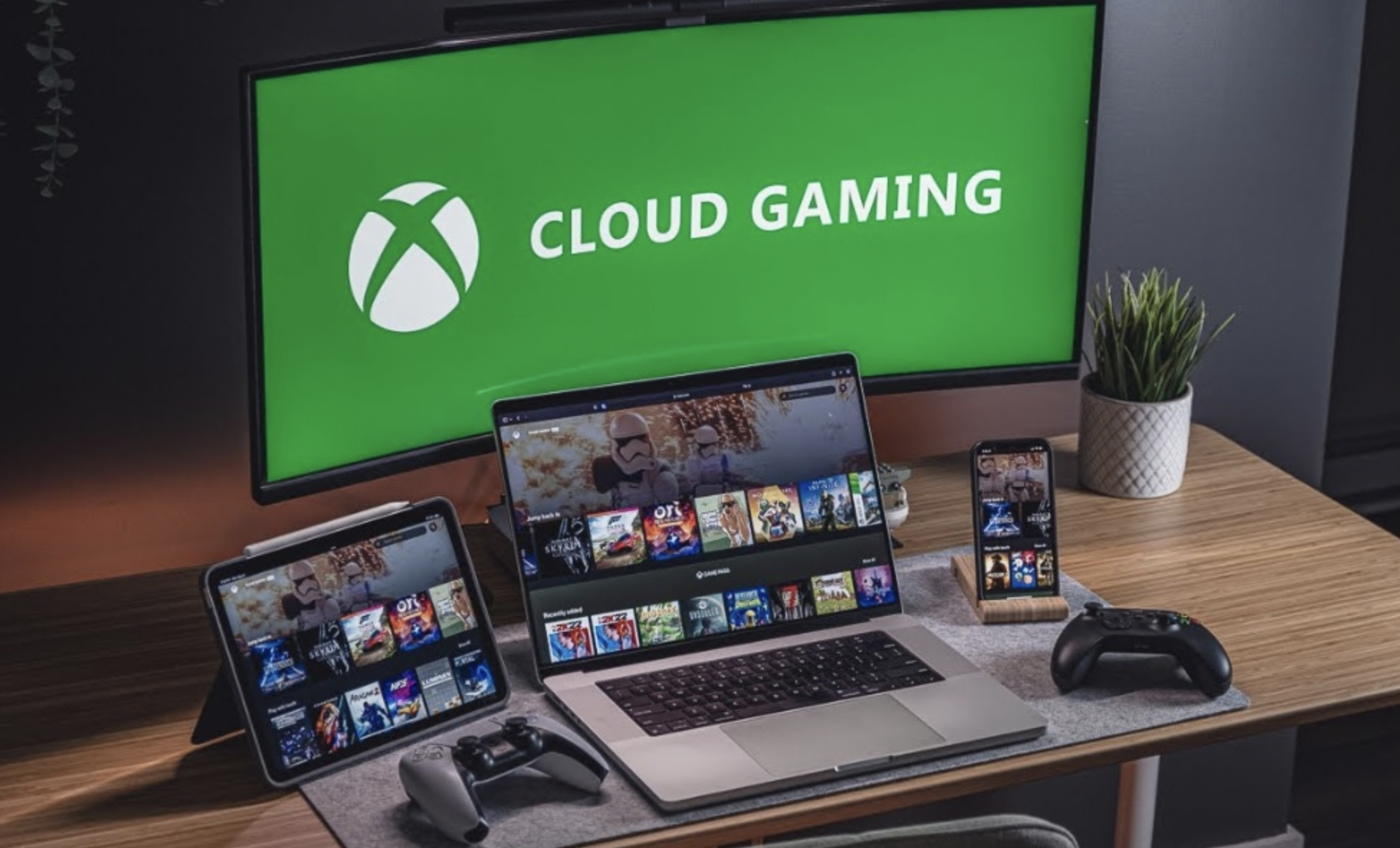
Cloud gaming promises to let you play demanding games on a modest laptop, a television box, a tablet or even a phone, without buying a powerful console or PC. It works by running the game on a distant computer and sending you the picture over the internet.
In this article we will discuss how the technology works, what your connection needs, how Wi-Fi and your home network affect the result, and how to test a service sensibly before you pay for it.
The basic idea is that a remote computer does the work
In a normal setup, the game runs on the device in front of you. The processor and graphics chip do the heavy lifting, and the screen shows the result. In cloud gaming, the heavy lifting moves to a powerful computer in a data center. Your own device only needs to receive a video stream, decode it and send back your controls.
This is similar in spirit to watching a film online, with one big difference. A film can be prepared and buffered ahead of time, so a short hiccup goes unnoticed. A game cannot, because what appears on the screen depends on what you do a fraction of a second earlier. The service must react to your input, draw the next image and send it to you, over and over, many times each second.
Because the work happens elsewhere, the device you hold can be simple. Many services run in a web browser, in an app on a television or streaming box, or on a phone or tablet, and some work on older computers. Your device still needs to decode video smoothly and support your controller or keyboard, so very old hardware may struggle even though it is not running the game. Always check the service’s published device list before you sign up.
Video compression is the quiet hero of the whole process. The remote machine squeezes each frame into a much smaller package before sending it, and your device unpacks it. Better compression gives a clearer picture for the same amount of data, but it takes time and processing, and fast action can show visible blocks when the stream is under strain. Services constantly adjust quality to match what your connection can carry, which is why the picture can soften for a moment when the network gets busy.
The remote machines belong to the provider, and you do not control them. That brings convenience, since there are no large downloads or hardware upgrades on your side. It also means you depend on the provider for availability, queue times at busy moments and the games they choose to offer. Knowing this trade-off is the first step to deciding whether cloud gaming suits you.
Latency matters more than raw speed
When people talk about internet quality, they often quote one number: download speed. For cloud gaming, a second quantity is just as important. Latency, sometimes called ping, is the time it takes for a signal to travel from your device to the service and back. If that delay is high, your button press takes longer to show up on screen, and fast games feel sluggish.
The total delay you feel is made of several pieces. Your controller sends the input to your device, which sends it over your home network and the wider internet to the data center. The game reacts and draws a new frame, the frame is compressed into video, and the video returns to you, where it is decoded and displayed. Each step adds a little time, and the sum is what matters. A weak link anywhere in the chain adds to it.
Your own display adds delay as well, and this part is often overlooked. Many televisions run extra image processing that smooths motion or sharpens edges, and that processing can add noticeable lag. Look for a game mode or low-latency mode in your television settings and switch it on. Monitors usually have less processing, which is one reason many players find them more responsive than a television for fast games.
Distance plays a part, because signals take time to travel, and a data center close to you usually gives a better result than a faraway one. Many services let you pick or automatically select a nearby server region. Where one is not available in your country, the experience may be worse, and that is something to confirm before paying.
Different games tolerate delay differently. Slow turn-based games, puzzle titles and story-driven adventures often feel fine even with moderate delay. Fast shooters, fighting games and precise platformers are far less forgiving, and competitive players tend to notice even small differences. Be honest about the kind of games you play, because that decides whether cloud gaming will feel good or frustrating.
Jitter is a related problem. It means the delay changes from moment to moment instead of staying steady, and it can make play feel uneven even when the average delay looks fine. A connection with steady, moderate latency is often better for gaming than one with a lower average that jumps around. This is why testing during your normal play hours matters so much.
Your internet needs more than a fast headline speed
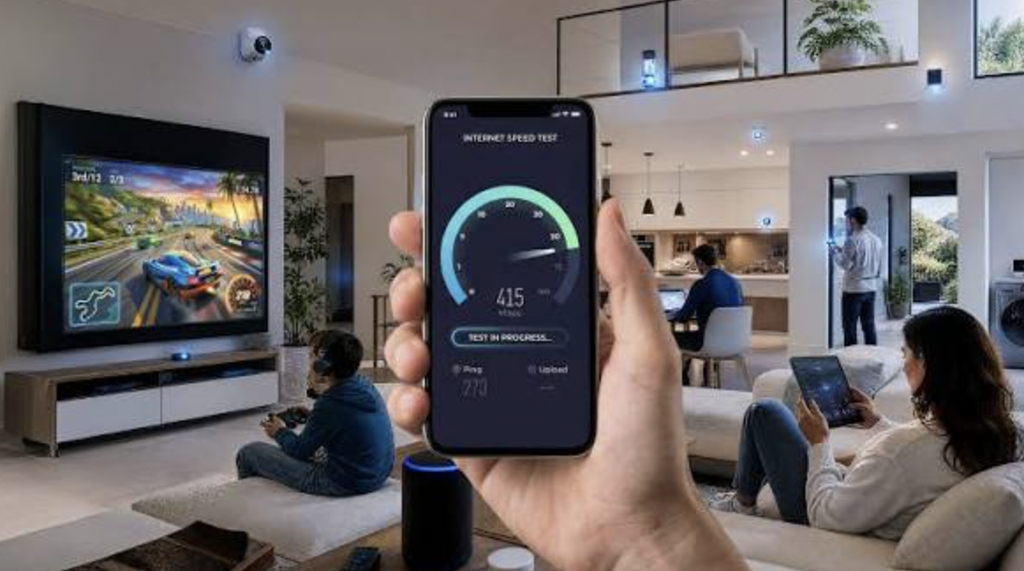
Services publish recommended connection speeds, and these vary by provider and by picture quality. Commonly recommended figures run from roughly ten to fifteen megabits per second for basic high-definition streams up to several tens of megabits per second for the highest quality settings. Always read the current guidance from your chosen service, because the numbers can change and differ by plan. Treat the figure as a minimum for your device alone, not for the whole household.
That last point trips up many families. If someone else is watching a video, downloading a large update or joining a video call while you play, they share the same connection. The speed you see on a test is the total, and everyone divides it. A connection that is plenty for one person can feel cramped when four devices are busy at once.
Upload speed matters less than download speed for the video stream, but it is not irrelevant. Your controls and a small amount of other data go upstream, and a very congested upload can add delay. This happens when someone in the home uploads big files or backs up photos while you play. Pausing such tasks during play sessions is a simple fix.
It also helps to know the difference between megabits and megabytes. Internet plans are almost always described in megabits per second, while file sizes are usually shown in megabytes, and one byte holds eight bits. A plan advertised at a certain number of megabits will therefore download files at roughly one eighth of that figure in megabytes per second. Confusing the two leads people to think their connection is slower or faster than it really is.
The type of connection also counts. Fiber and cable connections generally offer steady, low-delay service, while some satellite and mobile home internet services have higher latency or less consistent performance. These are broad tendencies, and the real result depends on your provider and area. If your options are limited, run a trial and watch for stuttering before you commit.
Here is a quick checklist you can follow to judge whether your connection is ready. Use it as a starting point rather than a guarantee, since services publish their own requirements. Copy it onto a sheet of paper and fill in your own results as you test.
| What to check | What to look for | Why it matters |
| Download speed | At or above the service’s recommended figure for your chosen quality | Too little speed forces blurry or choppy video |
| Latency | Low and steady to the service’s server | High delay makes controls feel late |
| Jitter and packet loss | As close to zero as possible | Uneven delay causes stutters and freezes |
| Connection type | Wired where possible, strong 5 GHz Wi-Fi otherwise | Wireless interference adds delay |
| Household load | Few heavy tasks running at once | Shared bandwidth reduces quality |
| Data allowance | Enough monthly data for your play hours | Caps can lead to throttling or extra charges |
Run speed and latency tests several times, at different hours, and write the results down. A single test at midday does not show how the connection behaves at eight in the evening, when many neighbors are online. Patterns over a week tell you far more than one good result.
Wi-Fi, cables and router settings can make or break a session
The cheapest and most effective improvement is often a network cable. Connecting your device to the router with an Ethernet cable avoids most of the interference and variable delay that wireless connections suffer. If your device has an Ethernet port, or you can add a simple adapter, try wired first. Many people are surprised by how much steadier the picture becomes.
Where a cable is not practical, tune your Wi-Fi. Most modern routers offer two bands, a longer-range 2.4 GHz band and a faster 5 GHz band, and newer ones add a third. The 5 GHz band usually gives better speed and lower interference at short range, so sit close to the router and connect to it. Walls, floors, microwave ovens and crowded neighboring networks all weaken a signal, and moving a few meters can help.
Placement of the router matters too. Put it in an open spot, off the floor and away from metal objects and thick walls, and keep it away from other electronics that cause interference. If your home is large, a mesh system or a wired access point can extend coverage better than a cheap range extender, which often adds delay. Keep firmware updated, because router makers release fixes that improve stability and security.
Many routers include settings that prioritize certain devices or traffic types, often called quality of service. If your router supports it, giving your gaming device priority can reduce the effect of other users on the network. The names and menus differ widely between brands, so check the manual for your model. Make one change at a time, and test after each, so you know what helped.
Be careful with tools that reroute your traffic. A virtual private network sends your data through an extra server, which usually adds delay and can make cloud gaming feel worse, so switch it off while you play unless you have a strong reason to use it. The same goes for some security tools that inspect traffic. If your connection feels fine for browsing but poor for games, check whether such a tool is running in the background.
Restarting the router now and then can clear temporary problems, and so can checking that your device is not busy with updates or background downloads. Close other apps on your gaming device before you start. If trouble continues after these steps, contact your internet provider, describe the symptoms in plain terms and ask whether they see problems on your line.
Data usage and household sharing deserve a close look
Streaming game video uses a lot of data. Depending on the picture quality and the service, an hour of play can use several gigabytes, and higher resolutions and frame rates use more. Many services let you lower the quality to save data, and commonly offer settings that trade sharpness for a smaller stream. Check what your chosen service offers and whether it shows data usage on screen.
Keep track of your use for the first few weeks. Many routers and internet providers show monthly totals in an app or account page, and some devices keep their own counters. Compare the numbers with your plan, then adjust quality or play time if you are heading toward a cap. Doing this early prevents unpleasant surprises, and it gives you real data for deciding whether a bigger plan is worth paying for.
If your internet plan has a monthly allowance, a few hours of daily play can use it up faster than you expect. Some providers slow down your connection after a cap, and others charge extra, and the rules differ by country and plan. Multiply your expected hours by the hourly figure, and compare the result with your allowance. If the numbers are tight, a plan with a higher or unlimited allowance may be cheaper than extra charges.
Mobile data needs extra caution. Playing over a cellular connection can drain a plan quickly, and signal strength changes as you move. If you plan to play on a phone away from home, use Wi-Fi where possible and set the service to a lower quality when you must use mobile data. Keep an eye on roaming charges if you travel abroad.
Household sharing is the other side of this topic. Several people may want to play, stream or work at the same time, and cloud gaming adds a constant, demanding stream to the mix. Agree on simple rules, such as pausing large downloads during game sessions. If arguments over bandwidth are frequent, upgrading the plan or adding a separate wired path may be worth the money.
Libraries, subscriptions and ownership vary between services
Cloud services follow a few different models, and it helps to know them. Some offer a monthly subscription with a rotating catalog of games you can stream. Others let you link accounts from existing game stores, so you can stream titles you already own, when the publisher allows it. Some combine both approaches with several tiers that differ in quality, session length and queue priority.
The consequences for ownership are important. With a catalog subscription, you are renting access, and games can be removed from the list. If you buy a game inside a store that works with a cloud service, you generally own a license tied to your account, but the cloud version may not be available for every title. Always check whether a specific game is supported on the service before assuming it will be.
Controls deserve attention as well. Most services support common game controllers, and some work with a keyboard and mouse, but support depends on the game and the device. On a phone or tablet, some games offer touch controls that feel clumsy compared with a physical controller. A clip-on holder or a simple stand for your controller is a small purchase that makes mobile play far more comfortable, so factor it into your plan.
Features also differ. Some services let you save progress across devices, which is handy if you switch between a television and a phone. Others have limits on session length or put free users in a queue when demand is high. Read the terms and tier descriptions carefully, because the cheapest tier may not include the picture quality you expect.
Compare the cost with the alternatives honestly. If you play only a few games and already own hardware that runs them, cloud gaming may add little value. If you play many different titles, travel often, or have a device that cannot run modern games, the subscription may be worth it. Costs, tiers and catalogs change often and differ by country, so check them again at the moment you decide.
Think about payment and account safety too. Use a strong, unique password and turn on two-step verification for any gaming account, since stored payment methods make accounts attractive to thieves. Be careful with parental controls and spending limits if children play. Review subscription renewal dates so you are not surprised by a charge.
Testing a service before you commit
The best way to judge cloud gaming is to try it in your own home. Many services offer a free tier, a trial period or a low-cost first month, and any of these is better than guessing. Plan your test as a short project rather than a casual try. Decide what you want to learn, and write your findings down so you can compare options later.
Follow these steps. First, set up the service on the device you will really use, in the room you will really play in. Second, play the kinds of games you enjoy for at least a few evenings, at the hours when your household is busiest. Third, try both Wi-Fi and a cable if you can, and note any difference. Fourth, try lowering the quality setting and see whether the trade feels acceptable.
While you test, watch for specific symptoms. Blurry or blocky images suggest limited bandwidth or aggressive compression. Short freezes and sudden drops in quality suggest an unstable connection. A feeling that your controls respond late points to latency, and you should test again with a cable or from a closer position to the router. Many services include an on-screen statistics view that shows delay and dropped frames, which makes the diagnosis easier.
If you are comparing several services, keep the test fair. Use the same device, the same room and the same game wherever possible, and test at similar times of day. Note the picture quality, the control feel and any interruptions in a short table of your own, then give each a simple score. Personal notes beat memory, because after a few evenings the experiences blur together and you may forget which one stuttered.
Be realistic about what you will find. Even good cloud gaming can look a little softer than a game running locally, and it may feel slightly less immediate in very fast games. For many people, especially those who play slower or story-based titles, the trade is acceptable and the convenience is worth it. For others, the delay is a deal-breaker, and a local console or PC remains the better choice.
Remember that cloud gaming can be a complement rather than a replacement. Some people keep a console or PC for fast competitive games and use streaming for trying new titles, playing on a trip or checking whether a large game suits them before buying. Others use it only for a tablet or a spare television in another room. Thinking of it as one tool among several removes the pressure to make it work for everything.
Finally, keep notes about cost. If the monthly fee, plus any internet upgrade, plus game purchases, comes close to the price of buying a console, then compare them over a year or two. Cloud gaming has no hardware to replace, but it does have ongoing fees. Choose the path that fits your play habits and budget, and cancel promptly if it does not.
Conclusion
Begin with your internet connection, because it decides everything else. Run speed and latency tests on a few different days and at different hours, ideally on a wired connection and then on Wi-Fi. Write down the results, and compare them with the recommended requirements published by the service you are considering. If the results fall short, fix your network or choose a different approach before spending money.
Next, improve what you can control. Use a cable if possible, or move closer to the router and use the faster Wi-Fi band. Pause heavy downloads and uploads during play, and tell the people in your home when you plan to play. Check your data allowance and decide on a quality setting that keeps you within it.
Then pick a service by its library, its supported devices and its terms, not by advertising. Confirm that the games you care about are available, check whether you must buy them separately, and read the cancellation rules. Start with a trial or a single month, and avoid long prepaid plans until you are happy with the experience.
Last, have a fallback. If cloud gaming works well, enjoy the convenience and review your costs every few months. If it does not, you have lost little, and you can consider a console or a modest PC instead. A patient, tested approach almost always leads to a better result than a hopeful one, and your own connection is the final judge.
If you share the connection with others, mention your plans to them first. A short conversation about when you will play, and when they may need the full bandwidth for work or school, avoids frustration on both sides. Consider writing a simple household schedule for the busiest evenings. Small agreements like this cost nothing and often make a bigger difference to the experience than any technical tweak.
One more habit is worth building: review your setup every few months. Providers change their catalogs, tiers and requirements, and your own home network changes whenever someone adds a device or moves a router. A short retest, perhaps once a season, tells you whether the experience is still good. Adjust your settings or your plan when the results slip, rather than waiting until a frustrating evening forces the issue.