

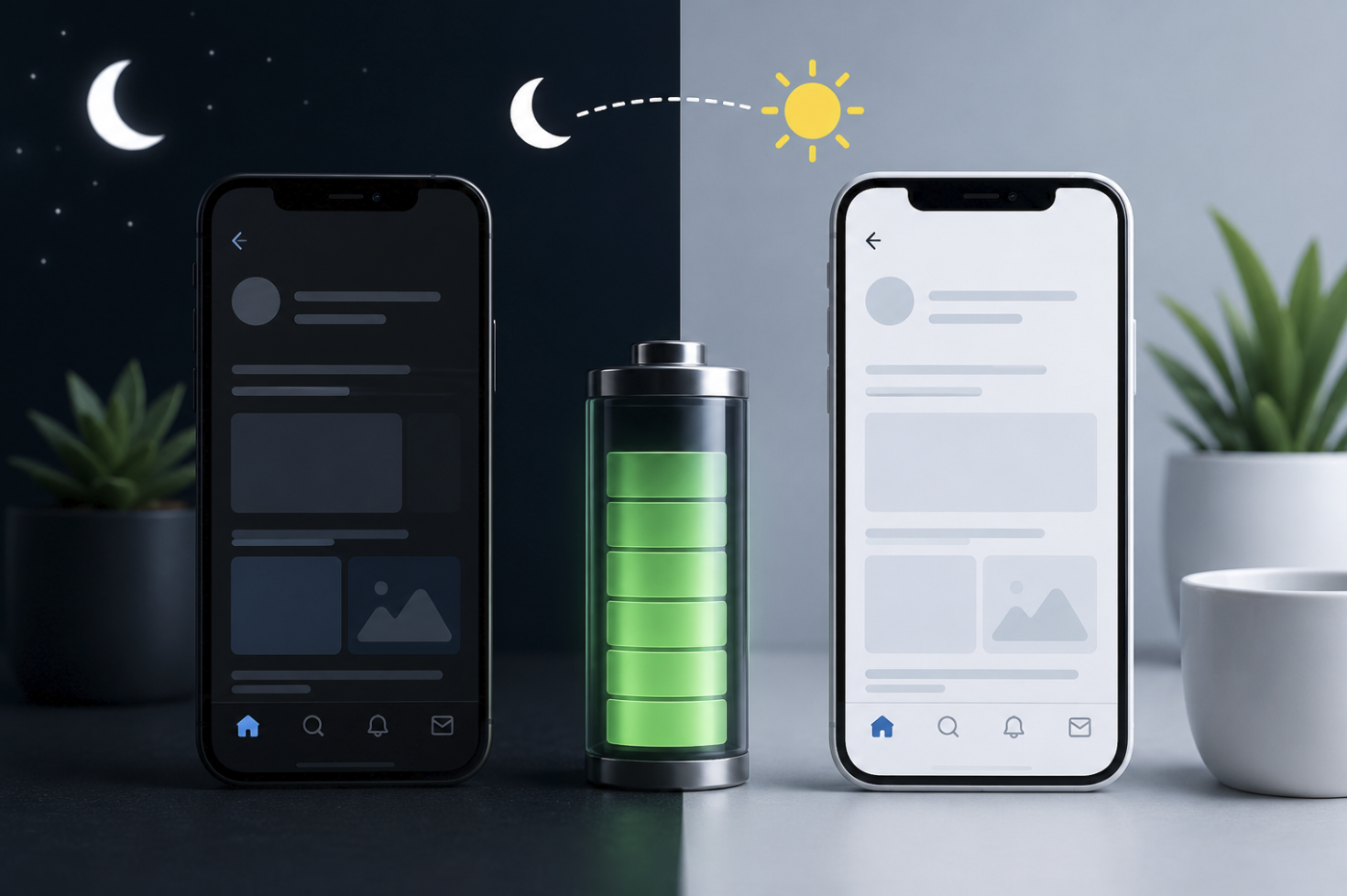
Dark Mode has become one of the most popular display settings across smartphones, tablets, laptops, and desktop computers. Almost every major operating system and application now offers a dark-themed interface that replaces bright backgrounds with darker colors.
For many people, Dark Mode simply looks modern and feels more comfortable during nighttime use. Others prefer it because they believe it saves battery life or reduces eye strain. But how much of this is actually true?
The answer depends on several factors, including the type of display you’re using, your screen brightness settings, and how you typically use your device.
In 2026, Dark Mode remains more than just a design trend. It has become a practical feature that can improve user experience in specific situations while offering measurable battery-saving benefits on certain devices.
This guide explains how Dark Mode works, when it can save battery life, and whether it’s the right choice for your everyday devices.
What Is Dark Mode?
Dark Mode is a display setting that changes the appearance of your device’s interface by replacing light backgrounds with darker colors.
Instead of displaying:
- White backgrounds
- Bright menus
- Light-colored applications
Dark Mode uses:
- Black backgrounds
- Dark gray interfaces
- Dimmer visual elements
- Reduced screen brightness requirements
Modern operating systems allow Dark Mode to apply across:
- Smartphones
- Tablets
- Laptops
- Desktop computers
- Web browsers
- Productivity applications
- Messaging platforms
- Social media applications
Some devices also offer automatic scheduling options that switch between Light Mode and Dark Mode depending on the time of day.
How Does Dark Mode Work?
Dark Mode changes how visual elements are displayed on your screen.
Traditional interfaces typically rely upon bright backgrounds and dark text. Dark Mode reverses this approach by displaying lighter text against darker backgrounds.
Although this may seem like a simple design change, it can significantly affect how your display consumes power.
The amount of battery saved depends primarily on your screen technology.
Two common display types include:
- OLED displays
- LCD displays
Understanding the difference between these technologies explains why Dark Mode doesn’t affect every device equally.
Why Has Dark Mode Become So Popular?
A variety of factors have played a role in making Dark Mode more and more popular among users.
Improved Visual Comfort
Many users find darker interfaces more comfortable when:
- Reading at night
- Working in dim environments
- Using smartphones before bedtime
Modern Appearance
Dark interfaces have become popular across:
- Mobile applications
- Gaming platforms
- Productivity software
- Operating systems
Potential Battery Savings
Battery optimization remains one of Dark Mode’s biggest advantages for certain devices.
Better Focus
Some users report that darker backgrounds help minimize visual distractions while working or studying.
Although user preferences vary considerably, Dark Mode continues expanding across modern technology platforms because of its flexibility and practicality.
Does Dark Mode Actually Save Battery Life?
Yes, but only under specific circumstances.
Dark Mode provides noticeable battery-saving benefits primarily on devices equipped with OLED and AMOLED displays.
These display technologies work differently from traditional LCD screens.
OLED Displays
OLED screens illuminate individual pixels independently.
When black pixels are displayed:
- Those pixels consume very little power.
- Some pixels may effectively remain turned off.
- Energy consumption decreases noticeably.
This means Dark Mode can contribute to improved battery efficiency during everyday use.
LCD Displays
LCD screens have a backlight that lights up the entire display, no matter which colors are shown.
As a result:
- Dark Mode provides minimal battery improvements.
- The backlight continues consuming similar amounts of power.
Simply put:
| Display Type | Battery Savings |
|---|---|
| OLED | Significant Improvements |
| AMOLED | Significant Improvements |
| LCD | Minimal Improvements |
| IPS LCD | Very Limited Improvements |
Therefore, Dark Mode isn’t universally a battery-saving feature. Its effectiveness depends largely upon your device’s display technology.
Dark Mode on OLED vs LCD Displays Explained
Understanding how displays function makes Dark Mode easier to evaluate.
OLED Displays
Commonly found in:
- Premium smartphones
- Modern tablets
- High-end laptops
Benefits include:
- Improved battery efficiency
- Better contrast levels
- Deeper black colors
- Enhanced visual appearance
LCD Displays
Frequently found in:
- Budget devices
- Older smartphones
- Various monitors
- Entry-level laptops
Although Dark Mode still changes the appearance of applications, battery improvements are usually minimal.
Users often mistakenly assume Dark Mode saves identical amounts of battery across every device, which isn’t necessarily true.
Is Dark Mode Better for Your Eyes?
This question doesn’t have a universal answer.
For many users, Dark Mode feels more comfortable when using devices in darker environments.
Potential advantages include:
- Reduced screen glare
- Improved nighttime comfort
- Less perceived brightness
- Better viewing experiences in low-light conditions
However, Dark Mode isn’t automatically better for everyone.
Some users find Light Mode preferable when:
- Reading lengthy documents
- Working in bright environments
- Editing photographs
- Viewing detailed content
Visual comfort often depends upon:
- Screen brightness
- Ambient lighting conditions
- Personal preferences
- Individual eyesight differences
The most comfortable option is usually the one that best suits your environment and usage patterns.
Advantages and Disadvantages of Using Dark Mode
Advantages
Dark Mode may provide:
- Improved battery life on OLED displays
- Better nighttime viewing comfort
- Reduced glare in darker environments
- Modern interface designs
- Improved contrast for certain applications
Disadvantages
Potential limitations include:
- Reduced readability for some users
- Minimal battery savings on LCD screens
- Difficulty viewing certain visual content
- Inconsistent application support
Neither Dark Mode nor Light Mode is universally superior. Both provide advantages depending upon how they’re used.
When Should You Use Dark Mode?
Dark Mode works particularly well during:
- Evening device usage
- Low-light environments
- Extended smartphone sessions
- Battery-conscious situations
- General browsing on OLED displays
You may prefer Light Mode when:
- Reading lengthy articles
- Working outdoors
- Performing detailed design tasks
- Using bright workspaces
Many users alternate between both modes throughout the day.
Modern operating systems frequently support automatic scheduling that switches display modes according to sunrise, sunset, or custom time settings.
Common Myths About Dark Mode
Several misconceptions continue surrounding Dark Mode.
Myth 1: Dark Mode Doubles Battery Life
False.
Battery improvements vary depending upon:
- Display technology
- Screen brightness
- Usage patterns
Myth 2: Dark Mode Completely Prevents Eye Strain
False.
Eye comfort depends upon multiple factors, including lighting conditions and screen settings.
Myth 3: Dark Mode Always Saves Battery
False.
LCD displays receive only minimal battery-saving benefits.
Myth 4: Dark Mode Is Better for Everyone
False.
Personal preferences differ considerably among users.
Understanding these limitations helps establish realistic expectations when enabling Dark Mode.
The Future of Dark Mode in 2026 and Beyond
Dark Mode continues evolving across modern operating systems and applications.
Future developments may include:
- Smarter automatic adjustments
- Adaptive brightness technologies
- Improved accessibility settings
- Better battery optimization techniques
- Enhanced application consistency
Manufacturers are increasingly integrating Dark Mode as a standard feature rather than treating it as an optional design preference.
As display technologies continue improving, battery optimization capabilities may become even more effective in future devices.
Conclusion
Dark Mode is far more than a visual trend. In 2026, it remains a practical feature that can improve comfort and provide meaningful battery-saving benefits on OLED and AMOLED displays.
While Dark Mode doesn’t guarantee dramatic battery improvements on every device, it offers several advantages when used appropriately. Whether you’re browsing at night, extending smartphone battery life, or simply preferring darker interfaces, Dark Mode remains a useful option worth exploring.
Ultimately, the best choice depends upon your device, environment, and personal preferences. Fortunately, modern technology makes switching between Dark Mode and Light Mode easier than ever.
- Read more about metapushs
Frequently Asked Questions
1. Does Dark Mode really save battery life?
Yes. Dark Mode can significantly improve battery efficiency on OLED and AMOLED displays, although benefits are usually minimal on LCD screens.
2. Is Dark Mode better for your eyes?
Many users find Dark Mode more comfortable in low-light environments, but visual preferences vary depending on lighting conditions and individual needs.
3. Does Dark Mode make devices faster?
No. Dark Mode primarily changes visual appearance and may improve battery efficiency on certain displays, but it doesn’t significantly affect device performance.
4. Should I keep Dark Mode enabled all day?
You can if you prefer. Many users alternate between Dark Mode and Light Mode depending upon their environment and activities.
5. Which devices benefit most from Dark Mode?
Devices equipped with OLED or AMOLED displays generally receive the greatest battery-saving advantages when using Dark Mode.
6. Can Dark Mode reduce screen glare?
Yes. Darker interfaces often feel less harsh in dim environments and may reduce perceived glare for many users, particularly during nighttime usage.