

The initial impression of a brand is usually shaped by its logo. Whether you’re launching a startup, building an online store, creating a blog, starting a YouTube channel, or growing a personal brand, a professional-looking logo helps establish credibility and recognition.
The good news is that creating a logo no longer requires expensive design software or hiring a professional designer. In 2026, a wide range of free logo creation tools and AI-powered design platforms make it possible for anyone to create a visually appealing logo in minutes.
However, not every logo maker delivers the same results. Some focus on simplicity, while others provide advanced customization options. Selecting the appropriate tool depends on what you aim to achieve, your design skills, and your branding requirements.
In this guide, you’ll find the top free logo creation tools for 2026 and learn how to pick the best option suited to your project’s needs.
Why a Strong Logo Matters for Your Brand
A logo is much more than a graphic symbol.
It represents your brand’s identity and helps customers recognize your business across websites, social media platforms, advertisements, products, and marketing materials.
A well-designed logo can:
- Build trust
- Increase brand recognition
- Create a professional image
- Differentiate your business
- Improve marketing consistency
- Leave a lasting impression
Even small businesses and personal brands benefit from having a clean and memorable logo.
What Makes a Good Logo in 2026?
Modern logo design trends continue to evolve, but several principles remain important.
A good logo should be:
Simple
Simple logos are easier to recognize and remember.
Scalable
Your logo should look good on business cards, websites, social media profiles, and large banners.
Unique
Avoid designs that look too similar to competitors.
Versatile
A logo should work in color, black and white, and different formats.
Timeless
Following every design trend may cause your logo to look outdated quickly.
The best logo makers help you achieve these qualities without requiring advanced design skills.
1. Canva Logo Maker
Canva remains one of the most popular design platforms in 2026.
Its drag-and-drop interface makes logo creation easy, even for complete beginners.
Key Features
- Thousands of logo templates
- AI-assisted design suggestions
- Custom fonts and icons
- Brand color tools
- Easy editing interface
Best For
- Small businesses
- Bloggers
- Content creators
- Beginners
Pros
- User-friendly
- Large template library
- Quick customization
Cons
- Some premium elements require payment
For many users, Canva provides the fastest path to creating a professional-looking logo.
2. Adobe Express Logo Maker
Adobe Express offers a streamlined logo design experience backed by Adobe’s creative ecosystem.
Users can generate logo ideas and customize them using simple editing tools.
Key Features
- AI-powered logo generation
- Professional templates
- Font customization
- Branding tools
- Social media integration
Best For
- Entrepreneurs
- Startups
- Marketing professionals
Pros
- High-quality templates
- Professional design assets
- Strong brand support
Cons
- Advanced features may require a paid plan
Adobe Express is ideal for users who want polished results with minimal effort.
3. Looka
Looka uses artificial intelligence to generate logo concepts based on your business name, industry, and style preferences.
Instead of designing from scratch, users receive multiple logo variations instantly.
Key Features
- AI logo generation
- Industry-specific suggestions
- Brand kit creation
- Font recommendations
- Color palette generation
Best For
- New businesses
- Personal brands
- Quick logo creation
Pros
- Fast design process
- Personalized suggestions
- Professional appearance
Cons
- Some download options require payment
Looka is particularly useful when you need inspiration and design direction.
4. Hatchful by Shopify
Hatchful was created specifically for entrepreneurs and online store owners.
The platform focuses on helping businesses create logos that work well across digital channels.
Key Features
- Industry-focused templates
- Social media branding assets
- Quick logo generation
- Beginner-friendly interface
Best For
- E-commerce businesses
- Small online stores
- New startups
Pros
- Simple workflow
- Free branding assets
- Easy customization
Cons
- Fewer advanced editing options
For business owners who want a logo quickly, Hatchful remains a strong choice.
5. LogoMakr
LogoMakr provides more creative freedom than many AI-driven logo generators.
Instead of relying heavily on templates, users can build designs manually.
Key Features
- Large icon library
- Font customization
- Drag-and-drop editor
- Flexible design controls
Best For
- Creative users
- DIY branding projects
- Custom logo creation
Pros
- Greater design flexibility
- Easy interface
- Free design process
Cons
- Requires more manual effort
LogoMakr works well for users who enjoy customizing every aspect of their design.
6. DesignEvo
DesignEvo offers thousands of templates across various industries.
Its large template collection makes it easy to find inspiration for nearly any type of business.
Key Features
- Extensive template library
- Icon collections
- Font customization
- Cloud-based editing
Best For
- Freelancers
- Startups
- Small businesses
Pros
- Wide variety of templates
- Easy customization
- Beginner-friendly
Cons
- Some advanced assets are restricted
DesignEvo is one of the most versatile free logo creation platforms available today.
7. Fiverr Logo Maker
Fiverr Logo Maker combines AI-generated logo concepts with professional design principles.
The platform generates customized options based on your business information.
Key Features
- AI-powered logo generation
- Industry-specific branding
- High-quality design suggestions
- Professional layouts
Best For
- Businesses seeking premium-looking designs
- Entrepreneurs
- Freelancers
Pros
- Modern designs
- Easy process
- Professional branding focus
Cons
- Premium downloads may require payment
Many users appreciate Fiverr Logo Maker for producing polished designs quickly.
Comparison of the Best Free Logo Design Tools
| Tool | Best For | AI Features | Beginner Friendly |
|---|---|---|---|
| Canva | General Use | Yes | Excellent |
| Adobe Express | Professional Branding | Yes | Excellent |
| Looka | AI Design | Yes | Excellent |
| Hatchful | E-commerce | Yes | Excellent |
| LogoMakr | Custom Designs | Limited | Good |
| DesignEvo | Templates | Moderate | Excellent |
| Fiverr Logo Maker | Business Branding | Yes | Excellent |
Each tool offers different strengths depending on your design goals.
How to Choose the Right Logo Maker
Not every logo tool is ideal for every project.
Ask yourself the following questions:
Do You Need Speed?
AI-powered tools like Looka and Fiverr Logo Maker can generate logo ideas in minutes.
Do You Want Full Creative Control?
LogoMakr offers more manual customization options.
Do You Need Branding Assets?
Canva and Adobe Express provide additional branding tools beyond logo design.
Are You Building an Online Store?
Hatchful is specifically designed for entrepreneurs and e-commerce businesses.
Choosing a tool that aligns with your goals will save time and improve results.
Common Logo Design Mistakes to Avoid
Even with excellent tools, poor design choices can weaken your brand identity.
Using Too Many Colors
Simple color schemes tend to be more memorable.
Following Short-Term Trends
Highly trendy designs may feel outdated within a few years.
Overcomplicating the Design
Complex logos often lose impact when displayed at smaller sizes.
Choosing Hard-to-Read Fonts
Readability is essential for brand recognition.
Ignoring Brand Identity
Your logo should reflect your business personality and audience expectations.
Avoiding these mistakes helps create a logo that remains effective over time.
Can AI Replace Professional Logo Designers?
AI logo makers have improved dramatically, but they still have limitations.
For startups, personal brands, bloggers, and small businesses, AI-powered tools often provide more than enough quality.
However, larger organizations with complex branding requirements may still benefit from working with professional designers.
The advantage of AI tools is speed, affordability, and accessibility.
For many users, they provide an excellent starting point for building a recognizable brand identity.
The Future of Logo Design in 2026 and Beyond
Artificial intelligence continues to transform the design industry.
Future logo creation tools will likely offer:
- Personalized branding strategies
- AI-generated brand guidelines
- Dynamic logo variations
- Audience-driven design recommendations
- Real-time brand testing
As AI becomes more advanced, creating professional-quality branding assets will become even easier for businesses of all sizes.
Conclusion
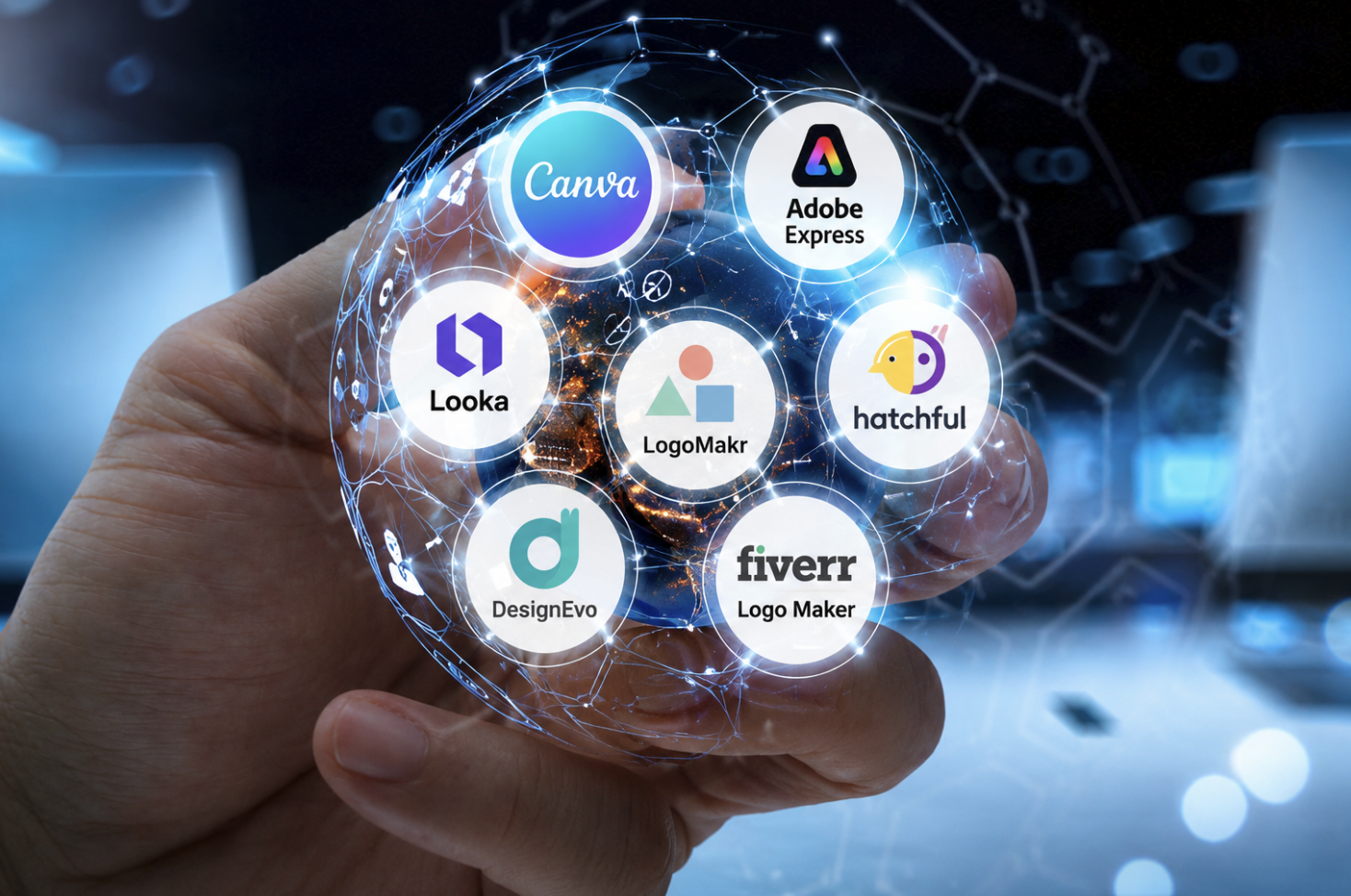
The best free tools to create a logo for your brand in 2026 make professional design more accessible than ever. Whether you choose Canva, Adobe Express, Looka, Hatchful, LogoMakr, DesignEvo, or Fiverr Logo Maker, today’s platforms allow anyone to create visually appealing logos without expensive software or advanced design skills.
The key is selecting a tool that matches your goals, keeping your design simple, and focusing on long-term brand recognition. A strong logo won’t guarantee business success, but it can help establish trust, improve visibility, and create a memorable first impression.
Frequently Asked Questions
1. What is the best free logo maker in 2026?
Canva is widely considered one of the best free logo makers because of its ease of use, templates, and customization options.
2. Can I create a professional logo for free?
Yes. Many modern logo design tools offer free plans that allow users to create professional-looking logos without hiring a designer.
3. Are AI logo makers worth using?
Yes. AI logo makers can generate high-quality logo concepts quickly and are especially useful for beginners and small businesses.
4. Which logo maker is best for startups?
Looka, Canva, Adobe Express, and Hatchful are popular choices for startups because they combine simplicity with professional design features.
5. How long does it take to create a logo?
Most AI-powered logo makers can generate logo concepts within minutes, while custom designs may take longer depending on complexity.
6. Can I edit my logo after creating it?
Yes. Most logo design platforms allow users to modify colors, fonts, icons, layouts, and other design elements even after the initial design is created.